Website Portfolio
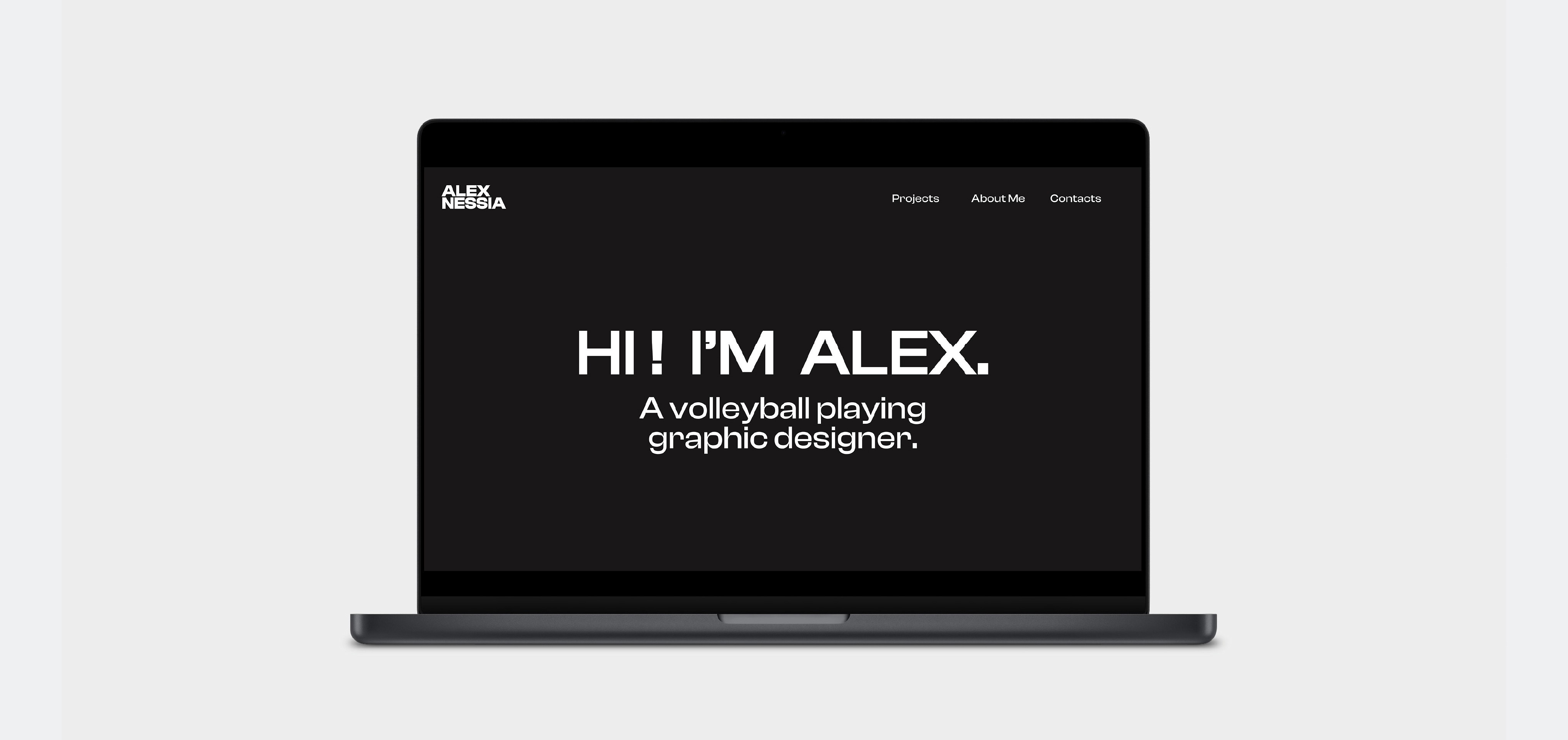
The Brief...
To design and code an online website for my portfolio, displaying my strongest work whilst creating a clear and easy experience when navigatingnaround my website.
My response...
I designed and coded my website through the use of HTML and CSS. This website portfolio displays my strongest work and includes interactive features that make the user experience more easier and enjoyable.
Approaching the Website Project
To begin this project, I started by seeking inspiration for my website. I explored online platforms like Pinterest and visited the websites of design studios such as Bond & Coyne, Pentagram, and Design Bridge.
Additionally, I reviewed past student websites provided to us, which helped me gain a clearer understanding of expectations and identify elements that make these sites stand out.
What do I want my website to be?
This website must be easy to navigate through and be clear in what it's trying to present. The purpose of this website is to be used as a digital portfolio that can be used for future networking events to gain possible internships.
I want my website to have a clean and minimalistic style to it whilst keeping everything organised and presented nicely. The website should have a consistent style and presentation format all throughout.
As for the content inside, two of the projects will be the Motion and Coding projects. Whilst the other two will be projects I have done before that I believe best display my skills as a designer.
How should the website be structured?
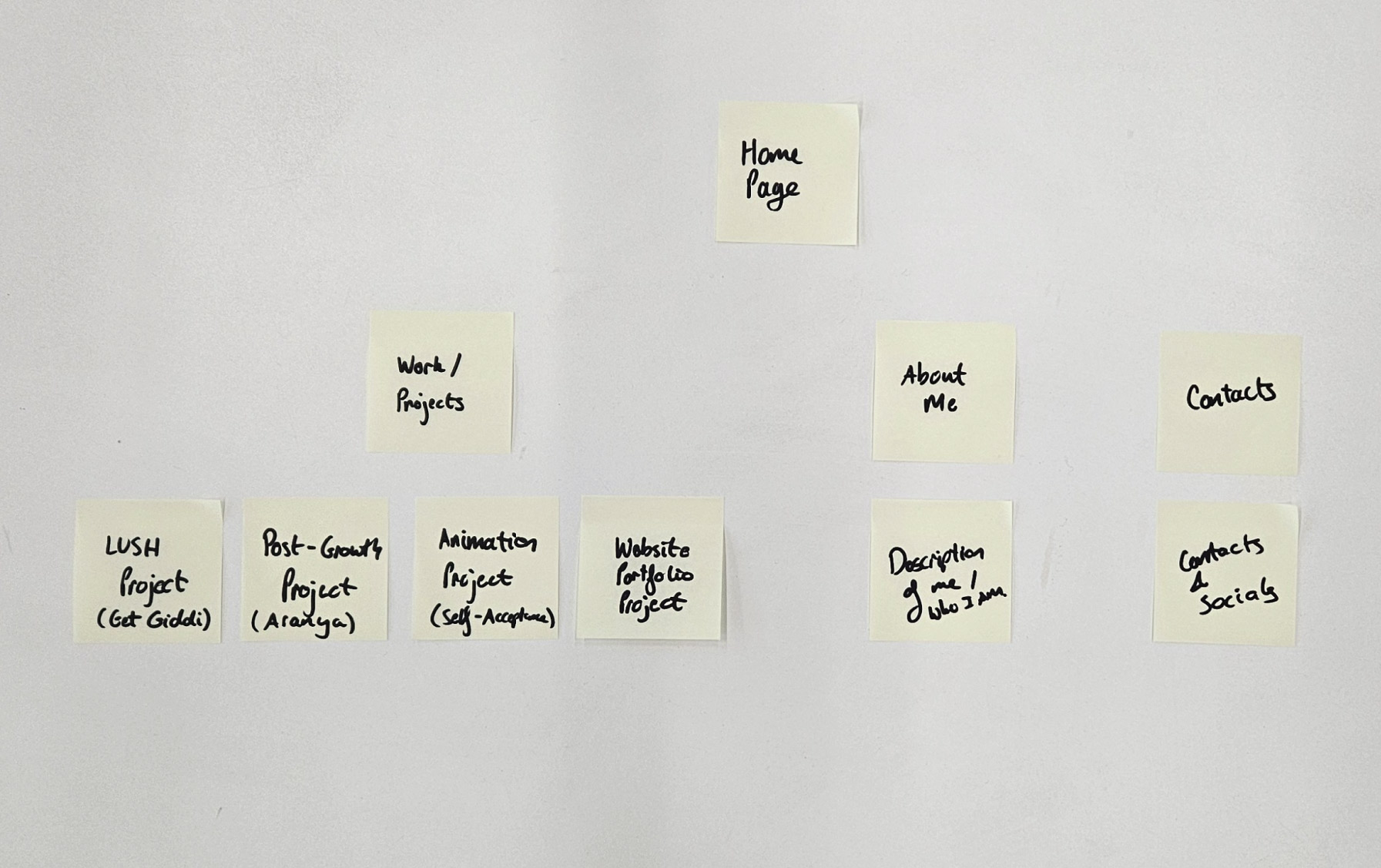
To keep my work organised, I decided to start off by writing down things on paper to get a better understanding of what exactly I want in my webiste as well as what it needs.
I began with writing down the different parts of my website onto sticky notes to visually understand it and make it clearer, with me soon taking it into Adobe Illustrator.
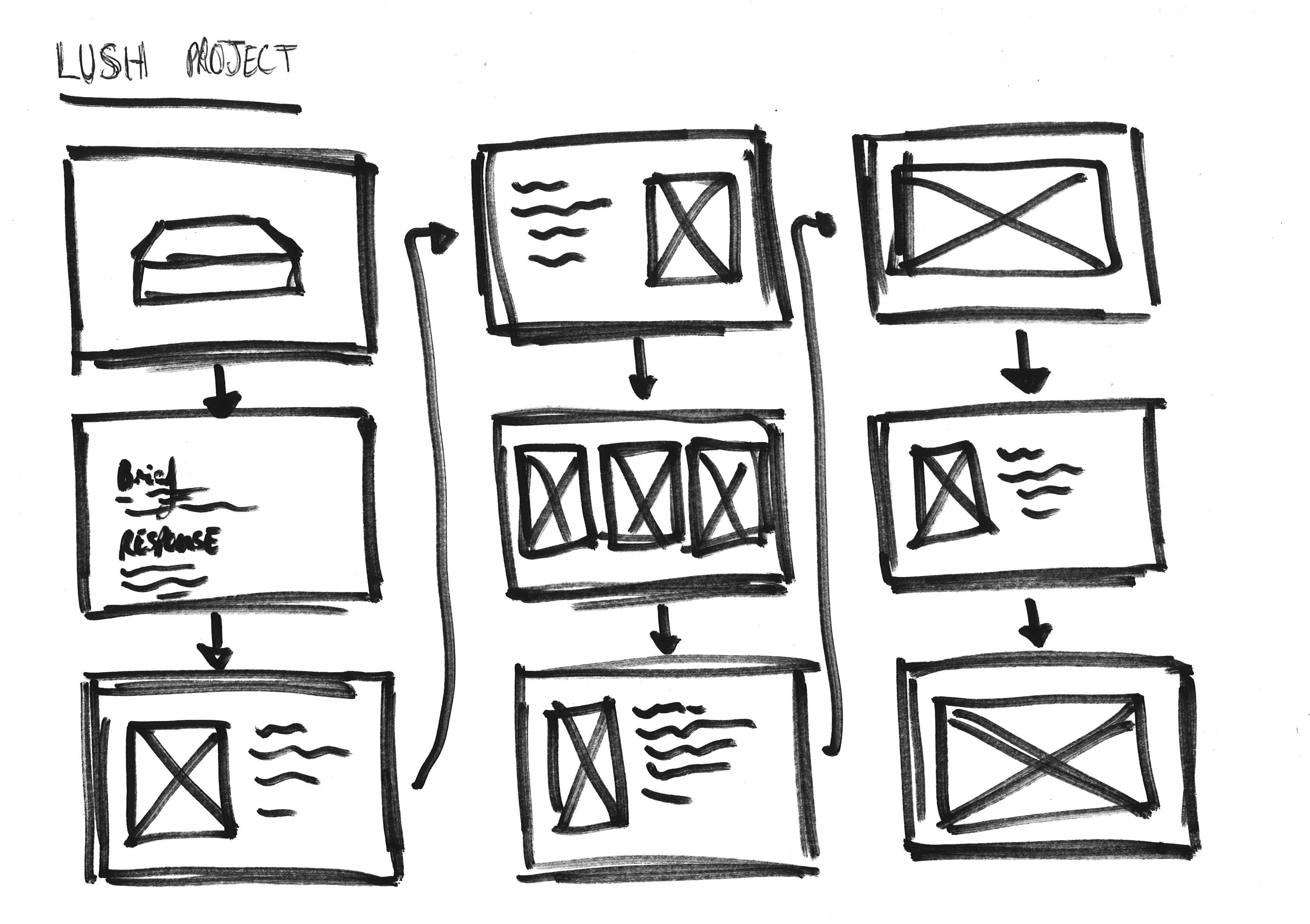
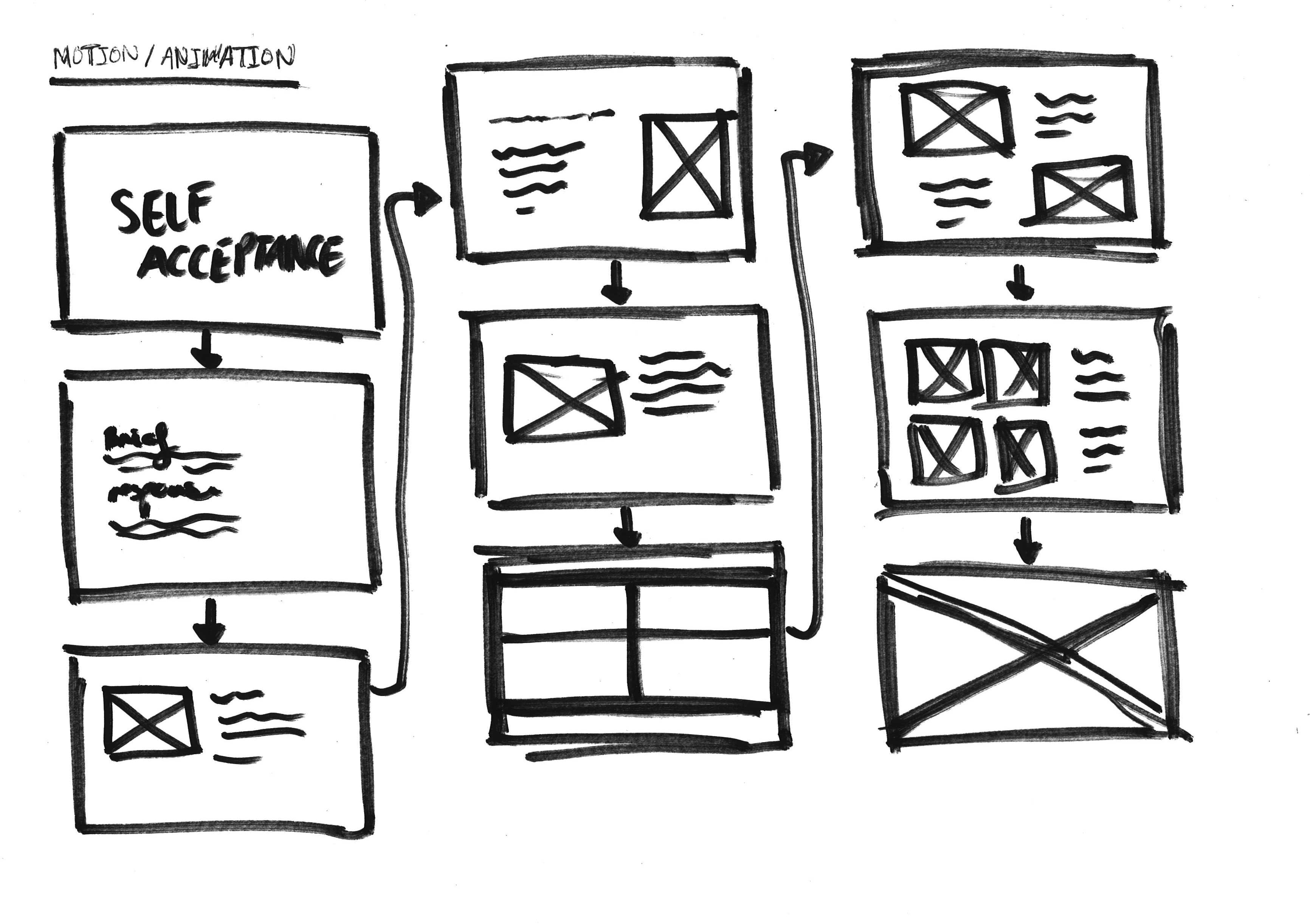
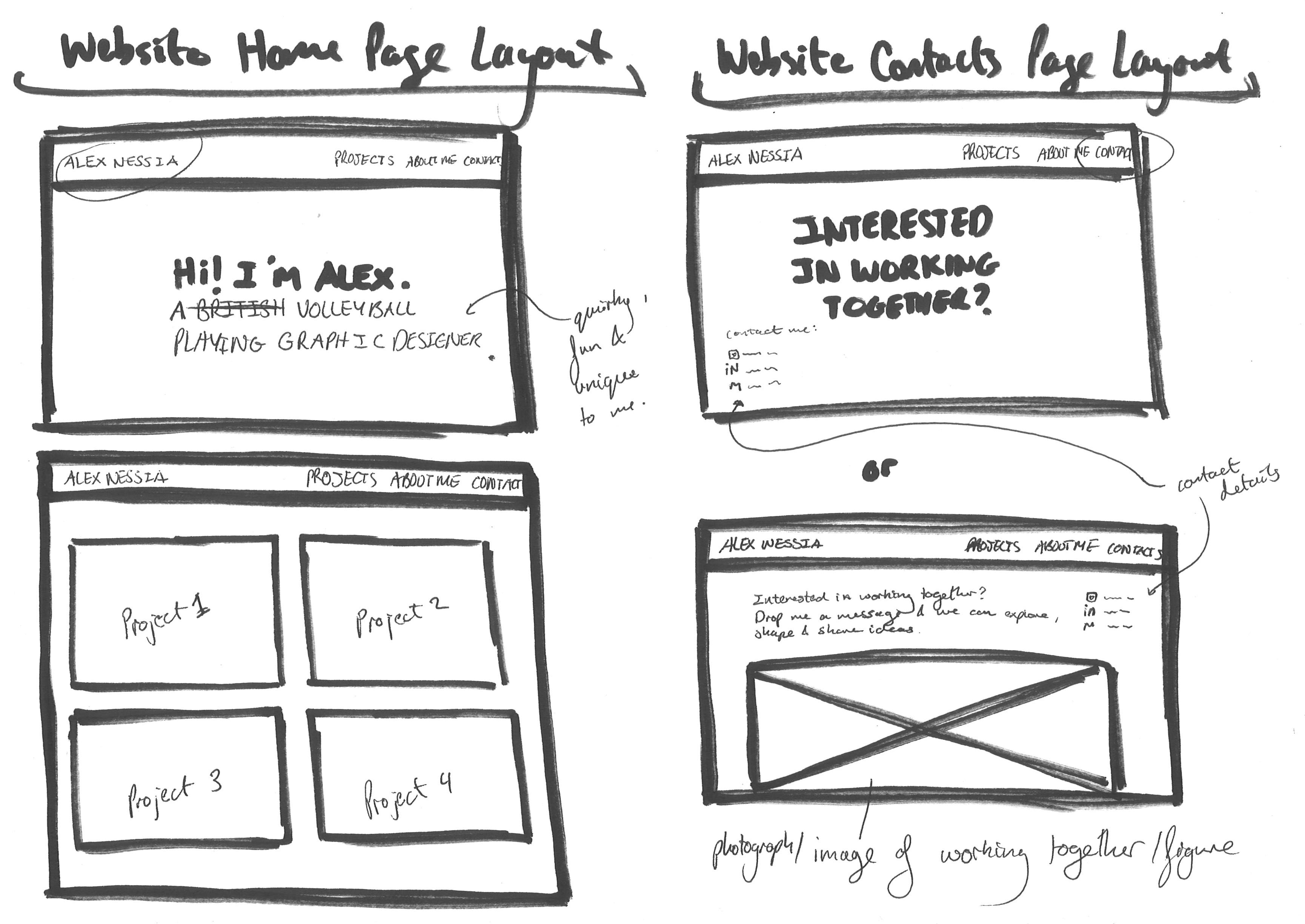
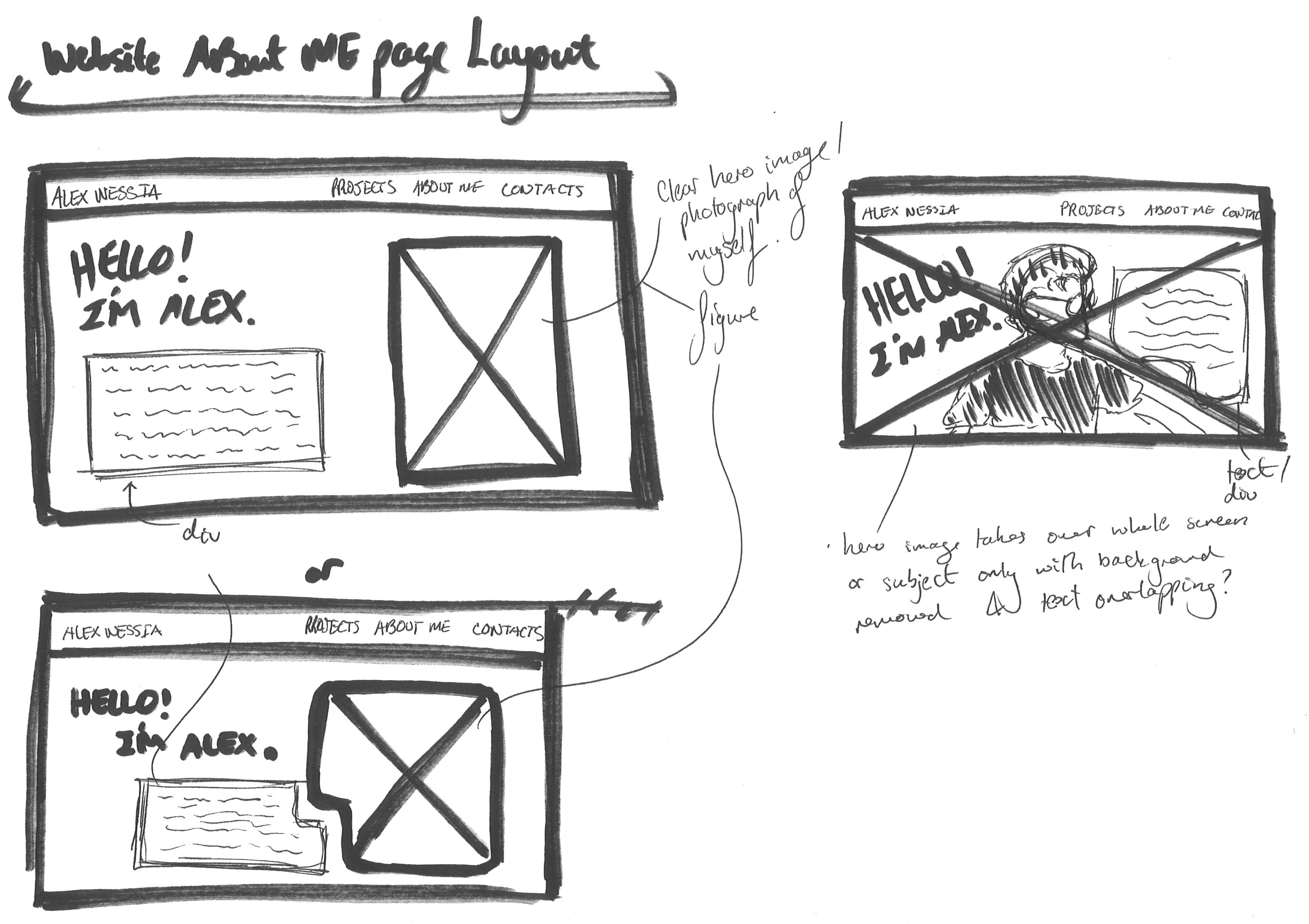
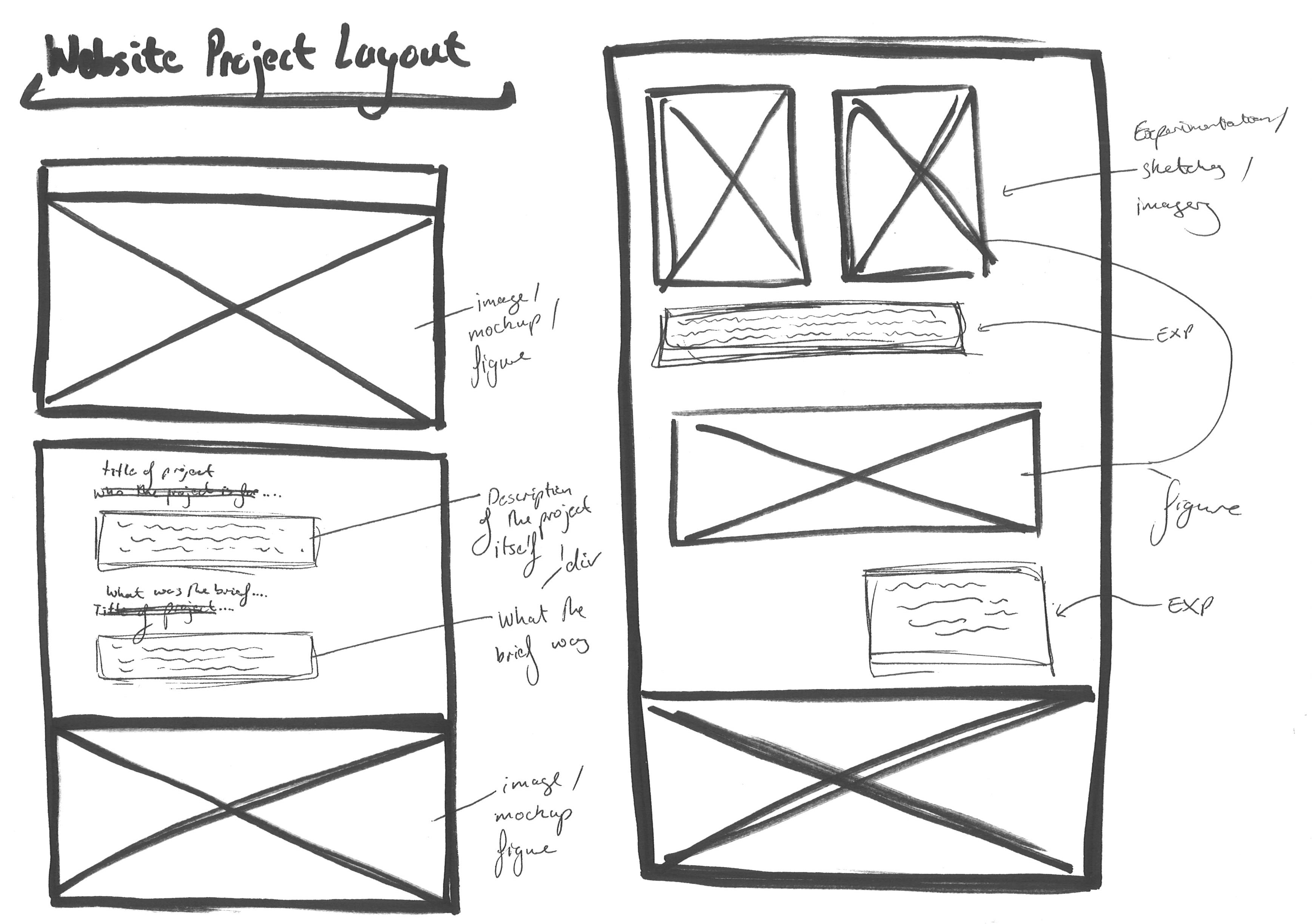
Wireframes
I prefer to plan ahead before diving into design, so I began by sketching wireframes on paper to visualize the website layout. I experimented with box sizes, text placements, and different formats.
I tend to keep my work simple, avoiding unnecessary complexity, and the same approach applies to my design process. I focused on maintaining proper typographic hierarchy and ensuring correct spacing and proportions to present my work clearly and effectively.
Design Concepts
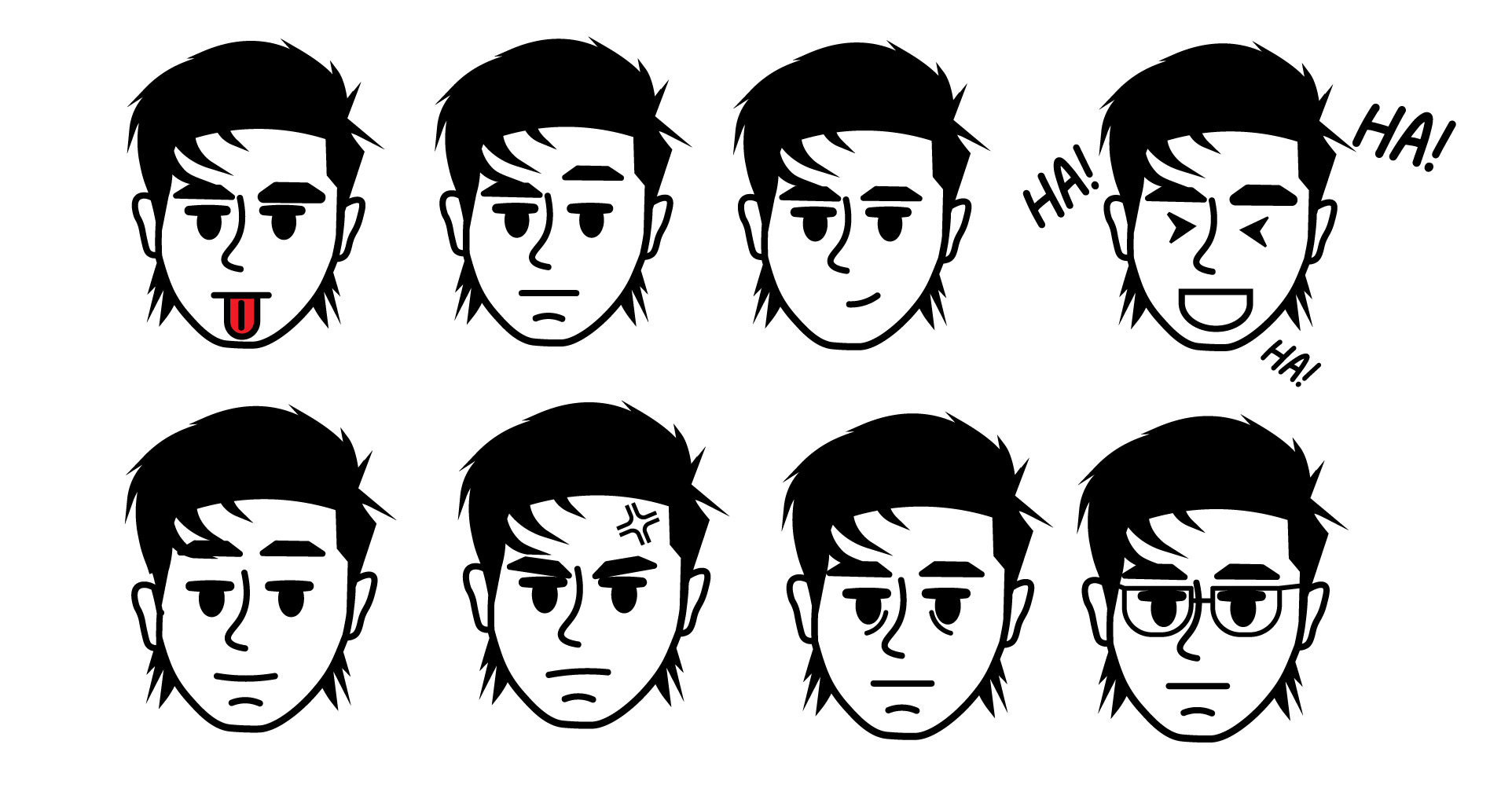
When experimenting with designing the website, I initially wanted to use my current Instagram design profile which is a character illustration of myself.With that, I experimented with different facial expressions on my character and wanted to create a loop animation which the face would change.
After a bit of feedback, I decided not to follow through with the character illustration being the main element you see when opening up my website. As I didn't want people viewing my website to assume that I am an Illustratior, when instead I am a Graphic Designer.
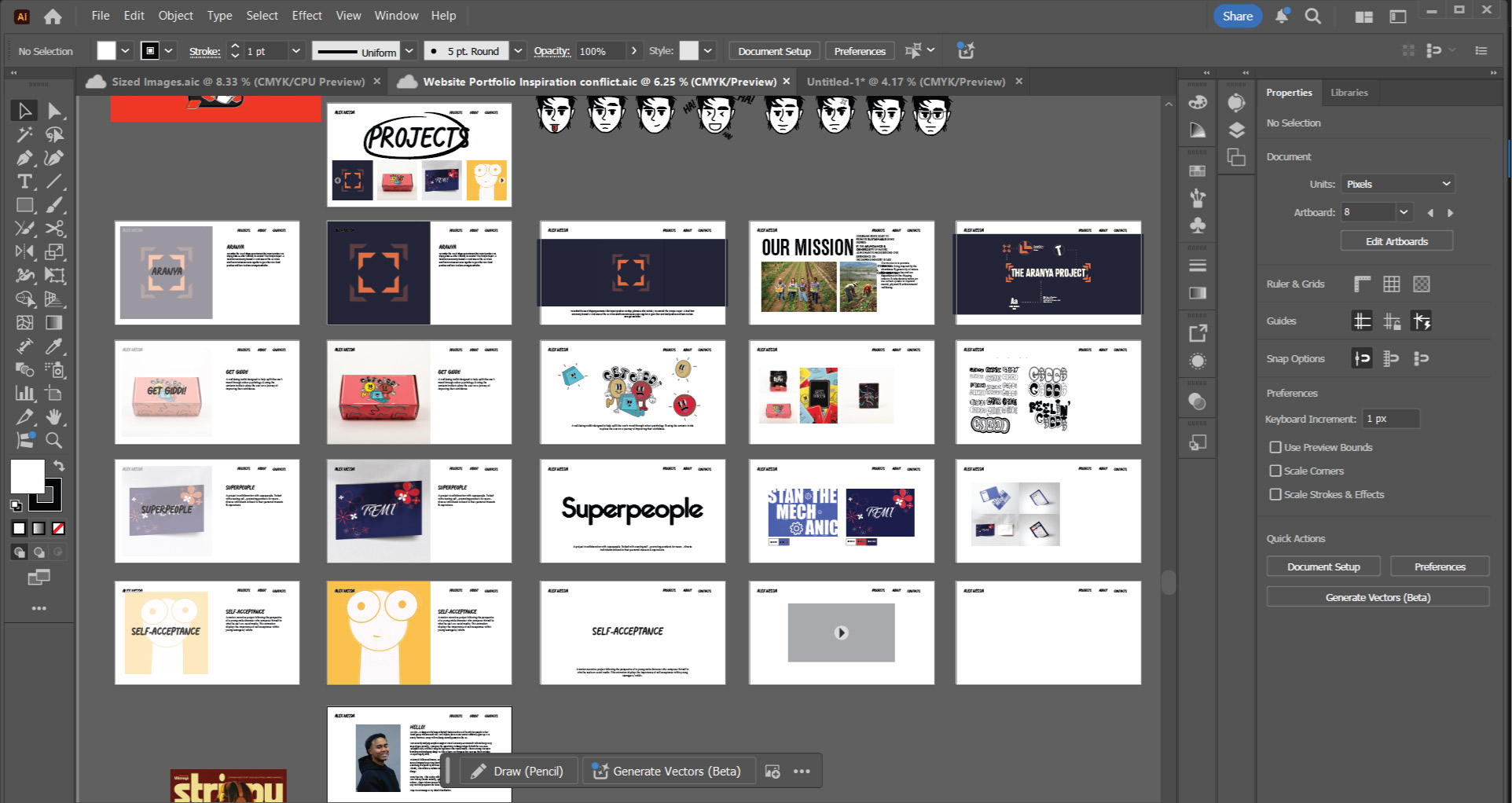
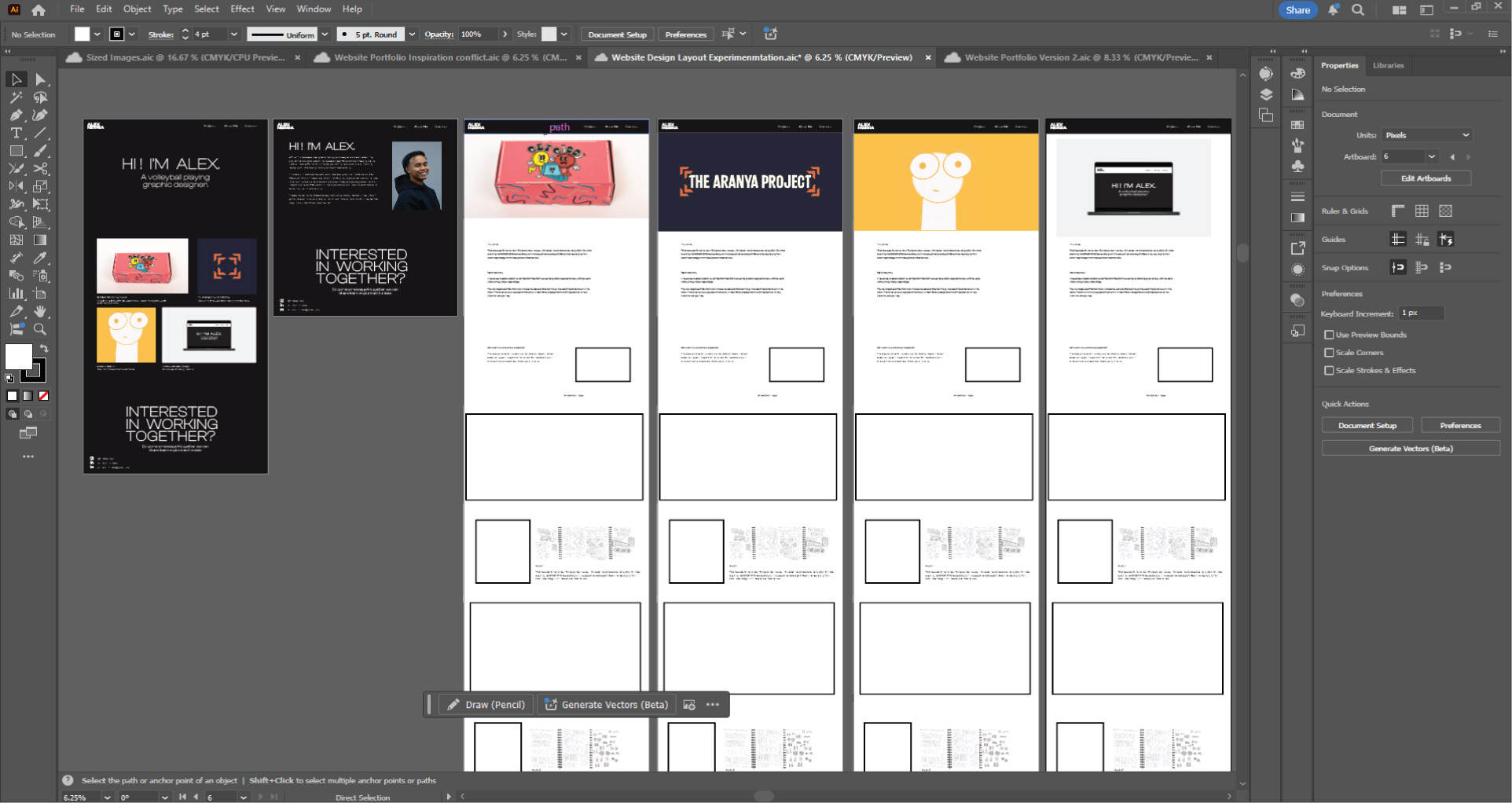
Home Page + Projects Page Experimentation
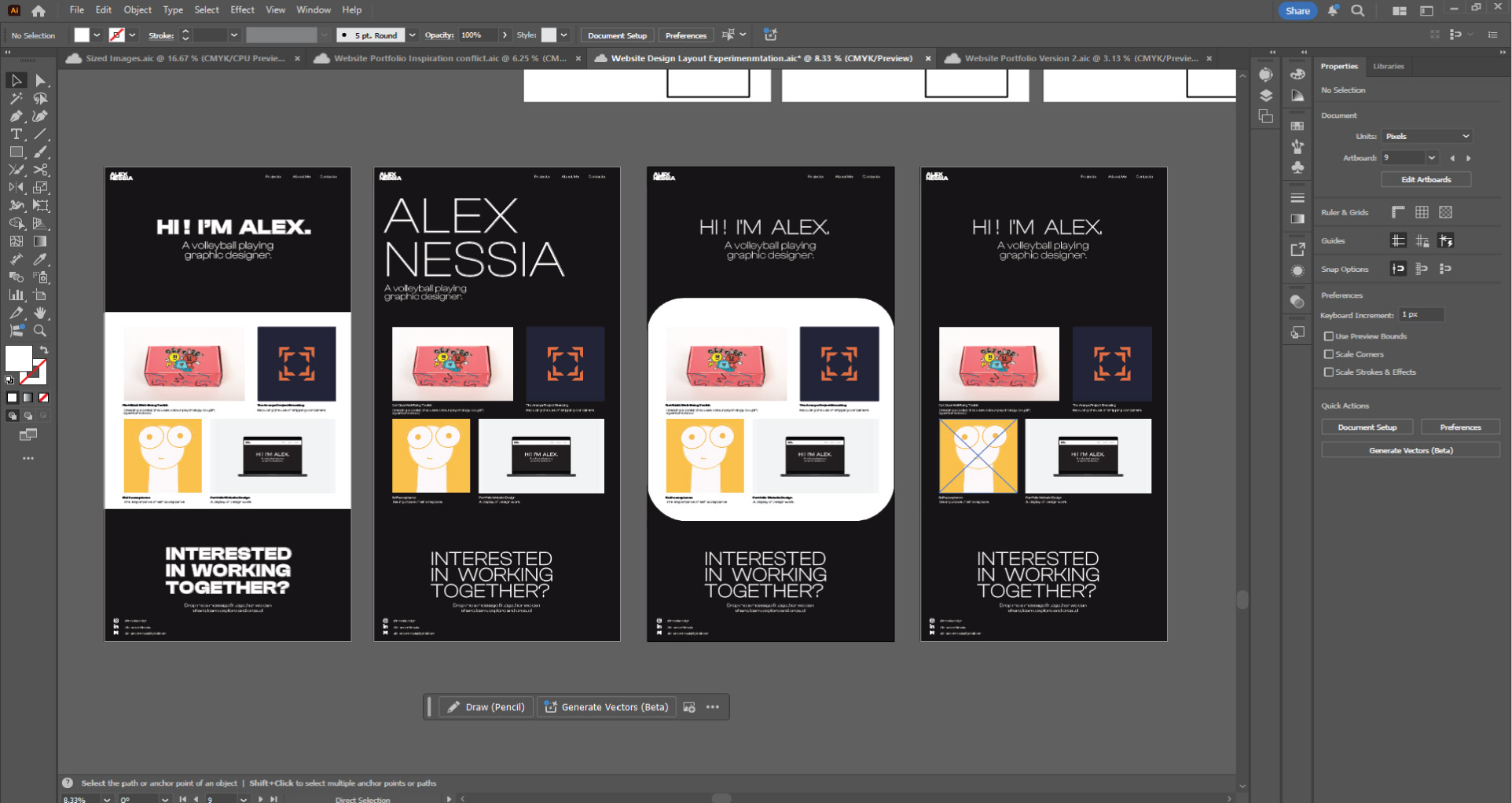
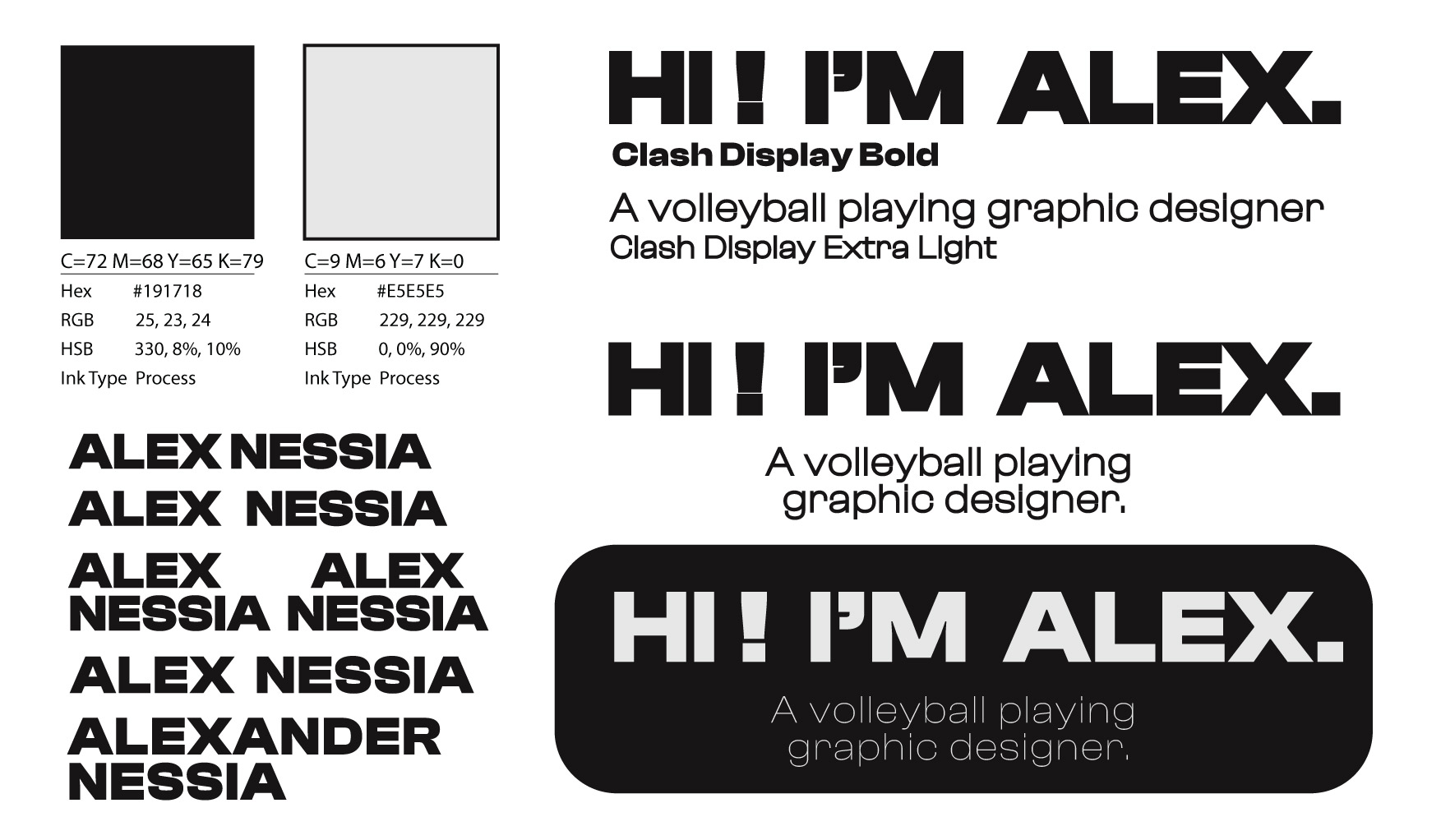
On Adobe Illustrator, I knew I wanted to keep the colour scheme more black and white on the home/index page since I prefer a more clean and minimalistic approach. But I also tried looking at how I could compose the opening type that the viewer first see's as well as the chosen projects displayed.
I know I wanted a typeface that had a bold and thin font-style, not just to give me versitility, but to also make sure I would be able to display the difference in paragraph text and headings within my website.
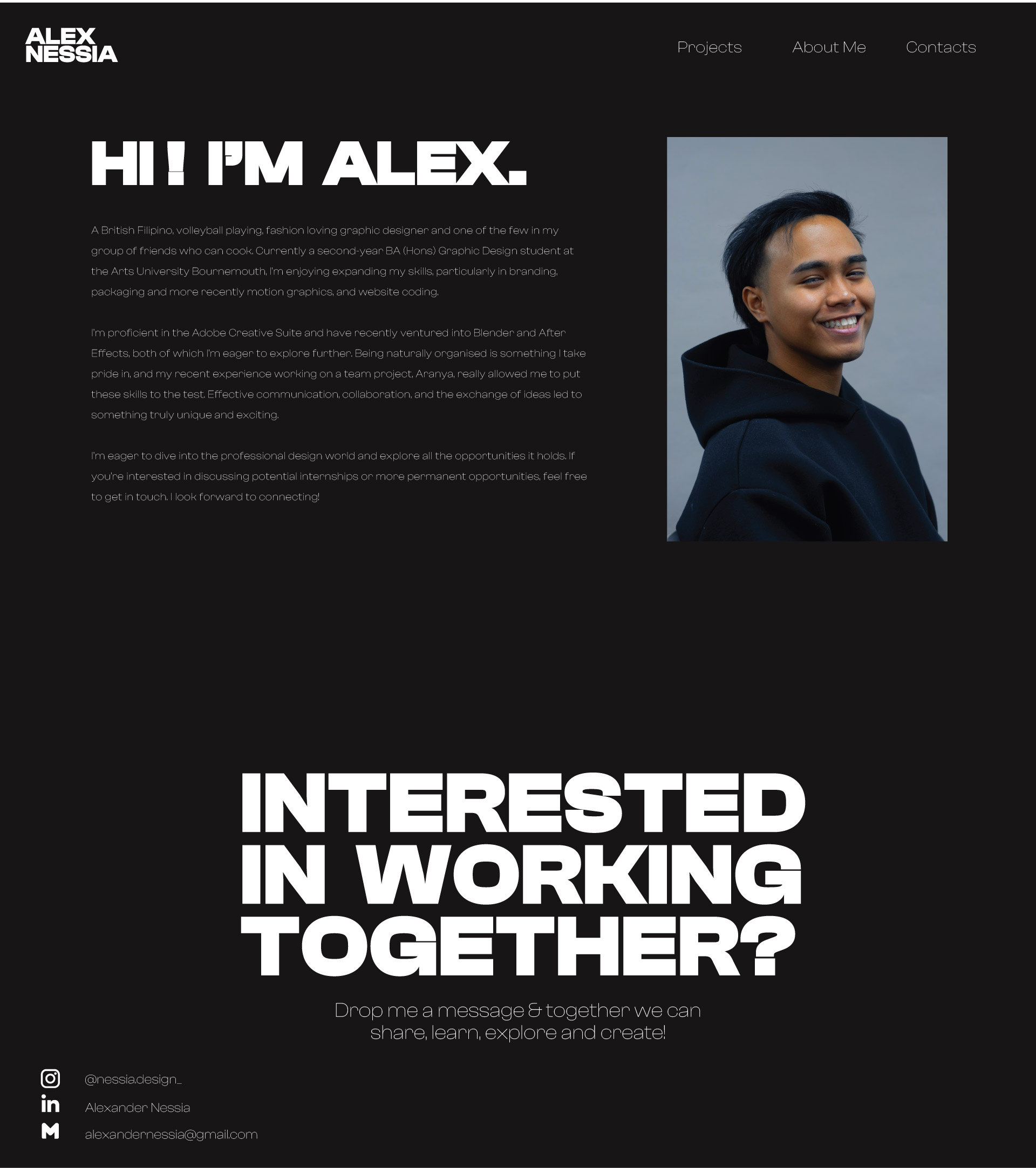
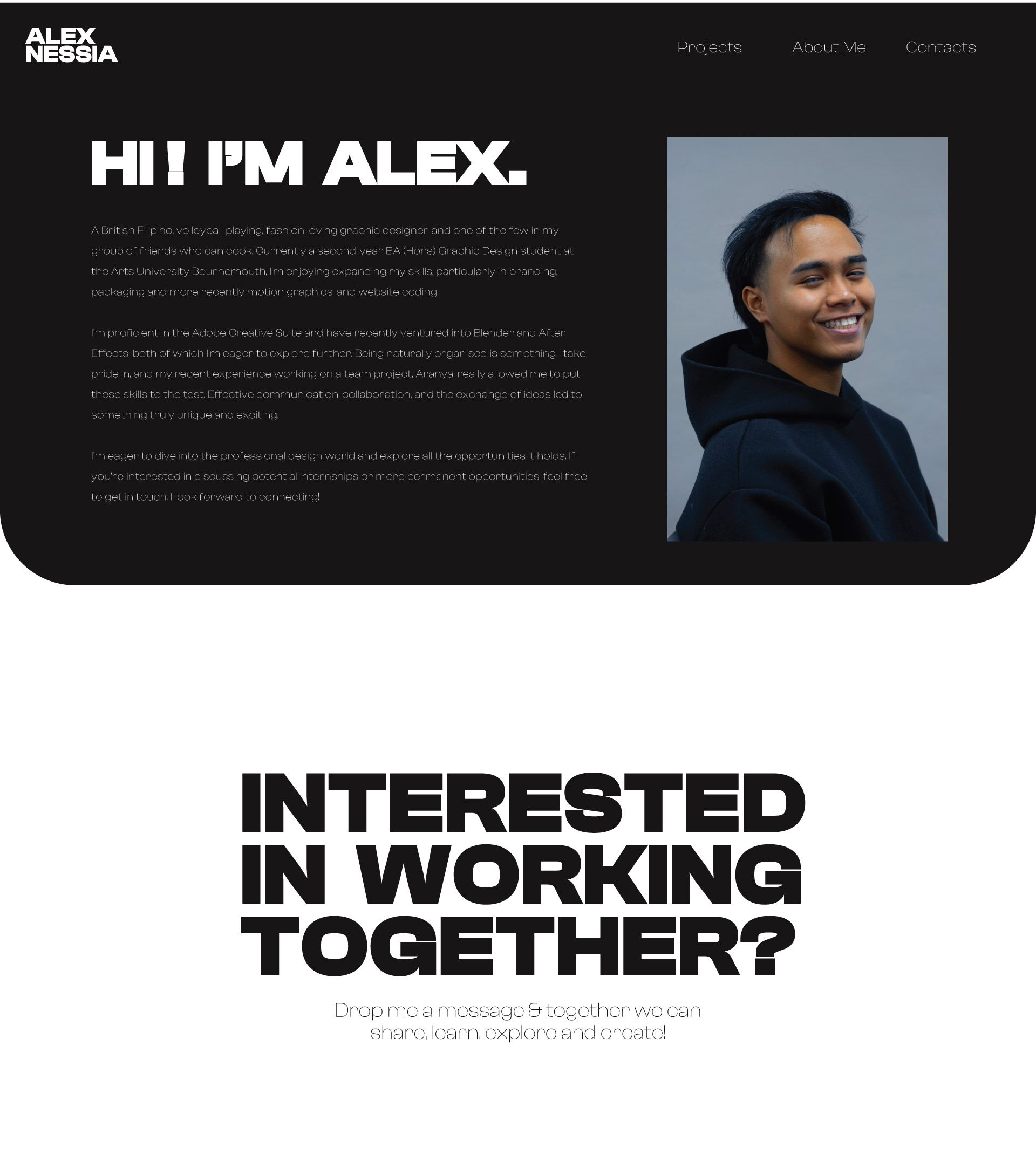
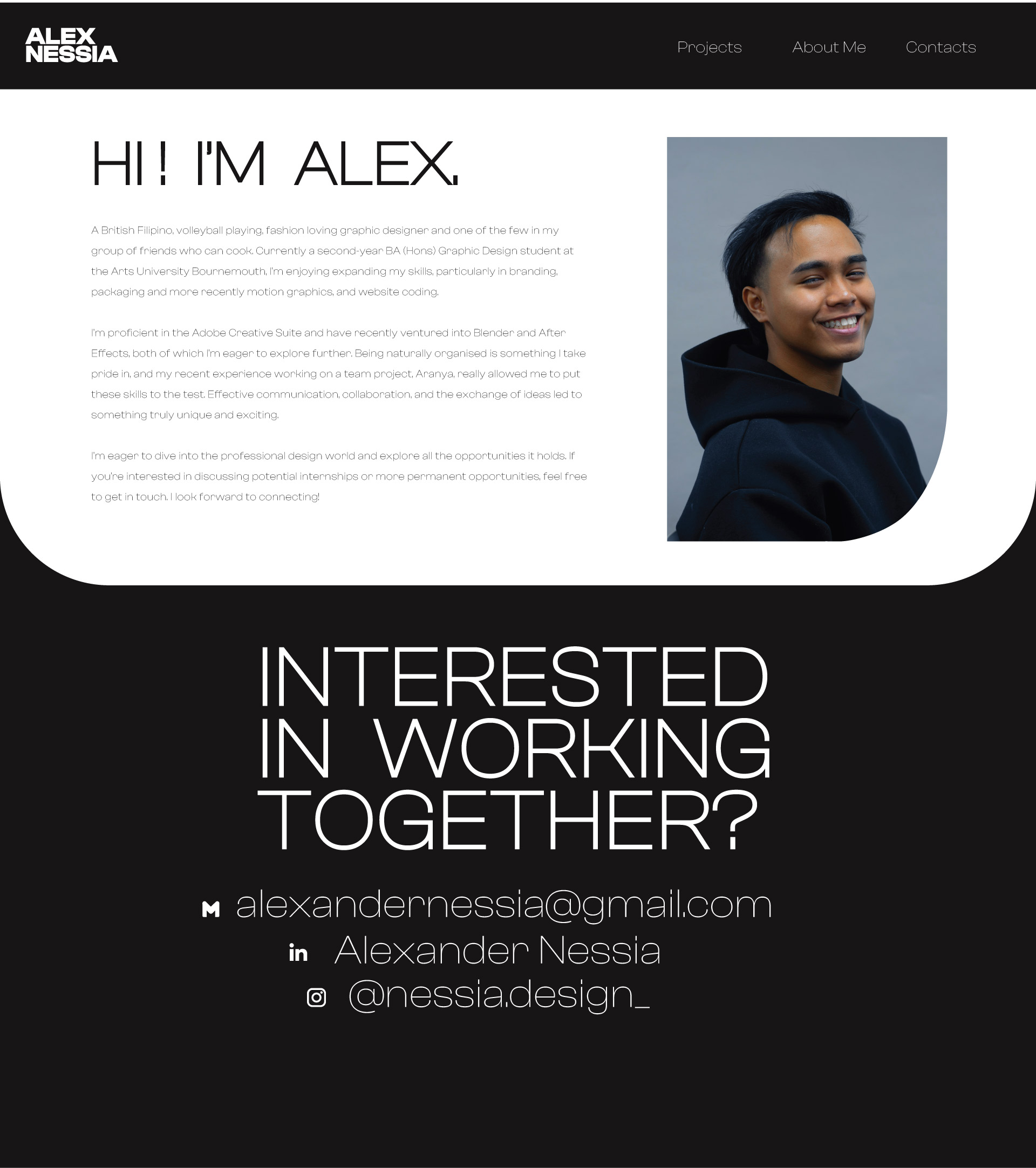
Contact & About me Layout
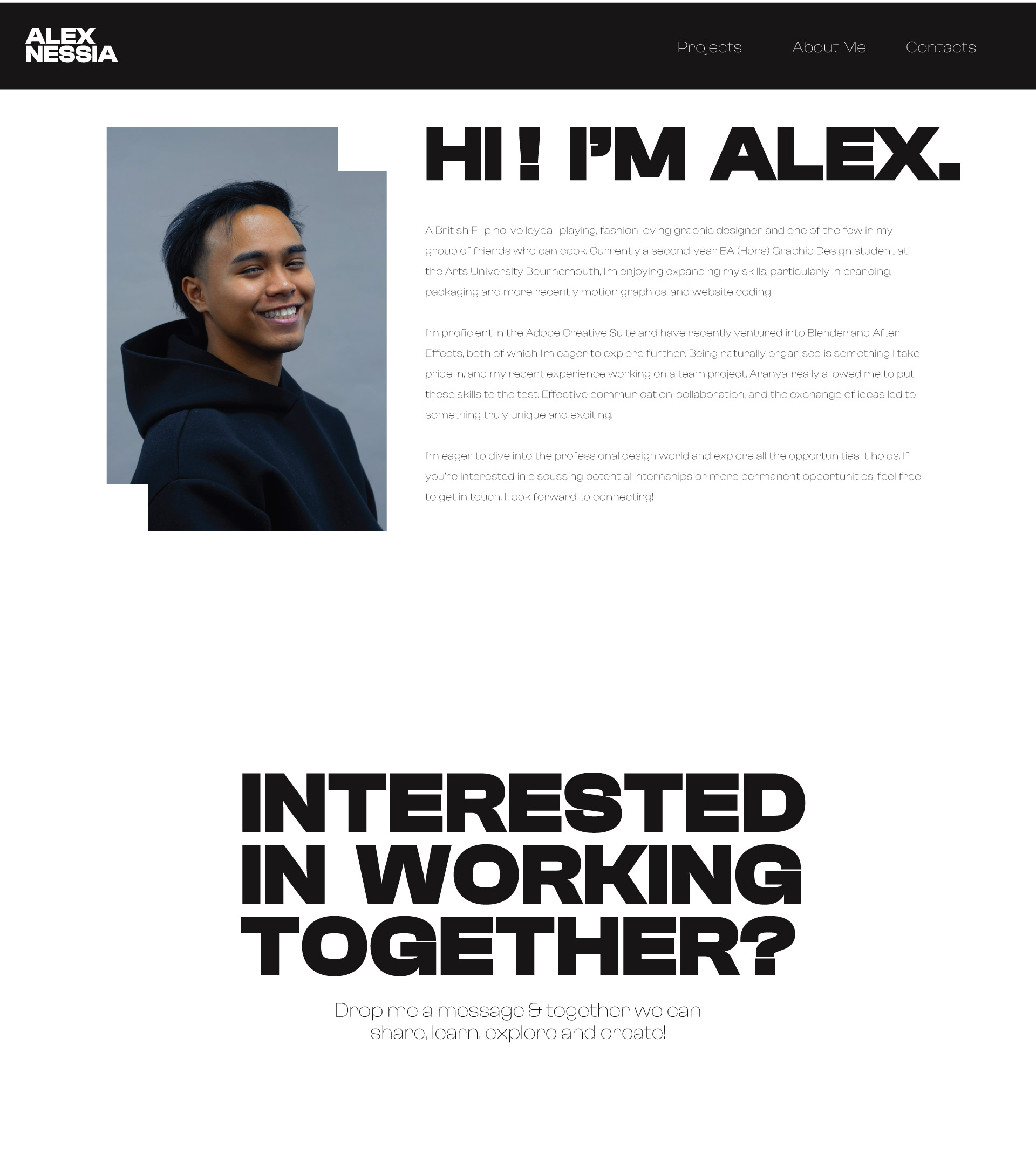
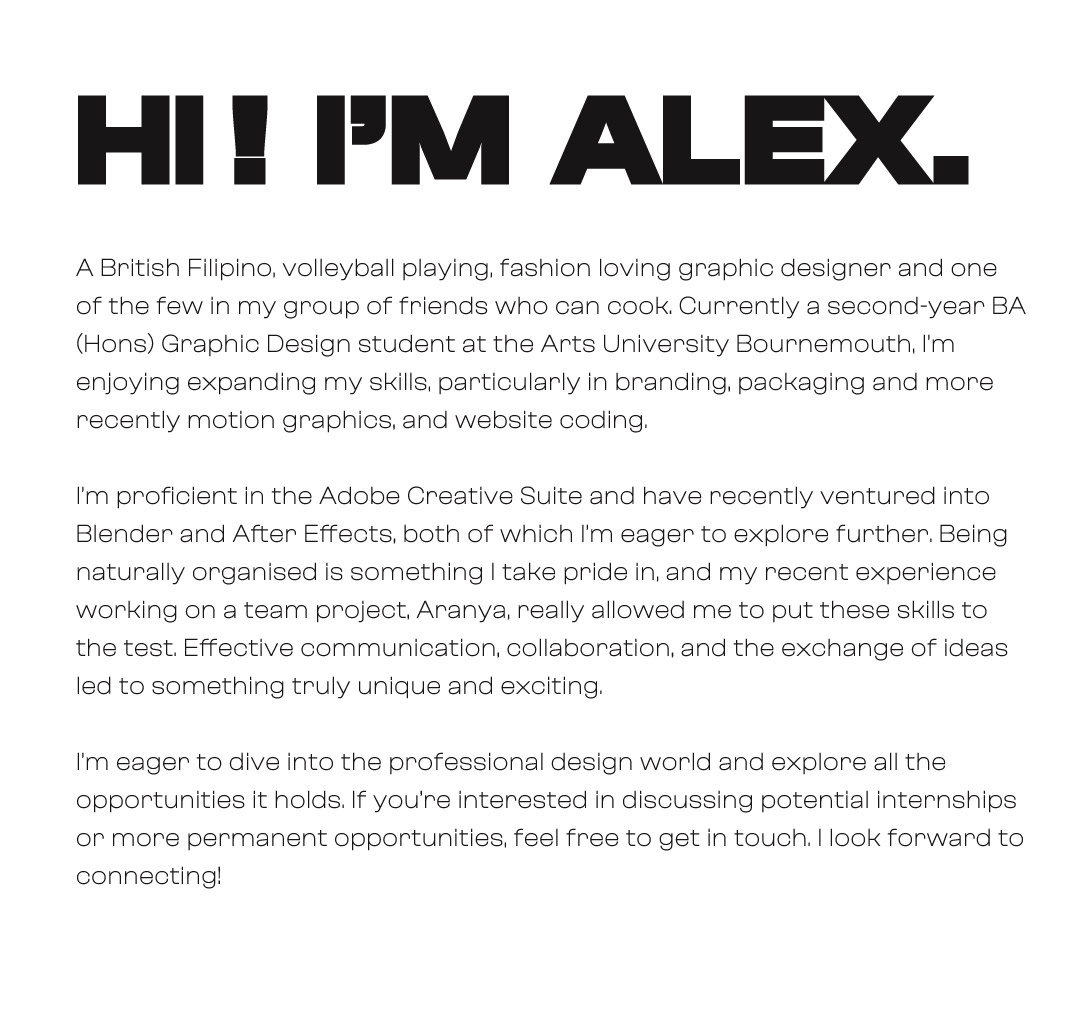
For both the About Me & Contact page, I wanted to keep it simple and clean like I have mentioned before. When desinging some intial possibilities for these two pages, I wanted to make sure that the style I have would be consistent through every single part of this website.
Having to talk about myself in a professional manner was a bit of a struggle, and often times I struggle to understand what my strengths are in design. Through one on one help with Gabby, I was able to create a paragraph describing who I am as a person, my occupation, my interests both within and outside of university and what I aim to do in my carrer as a Graphic Designer.
Chosen Fonts
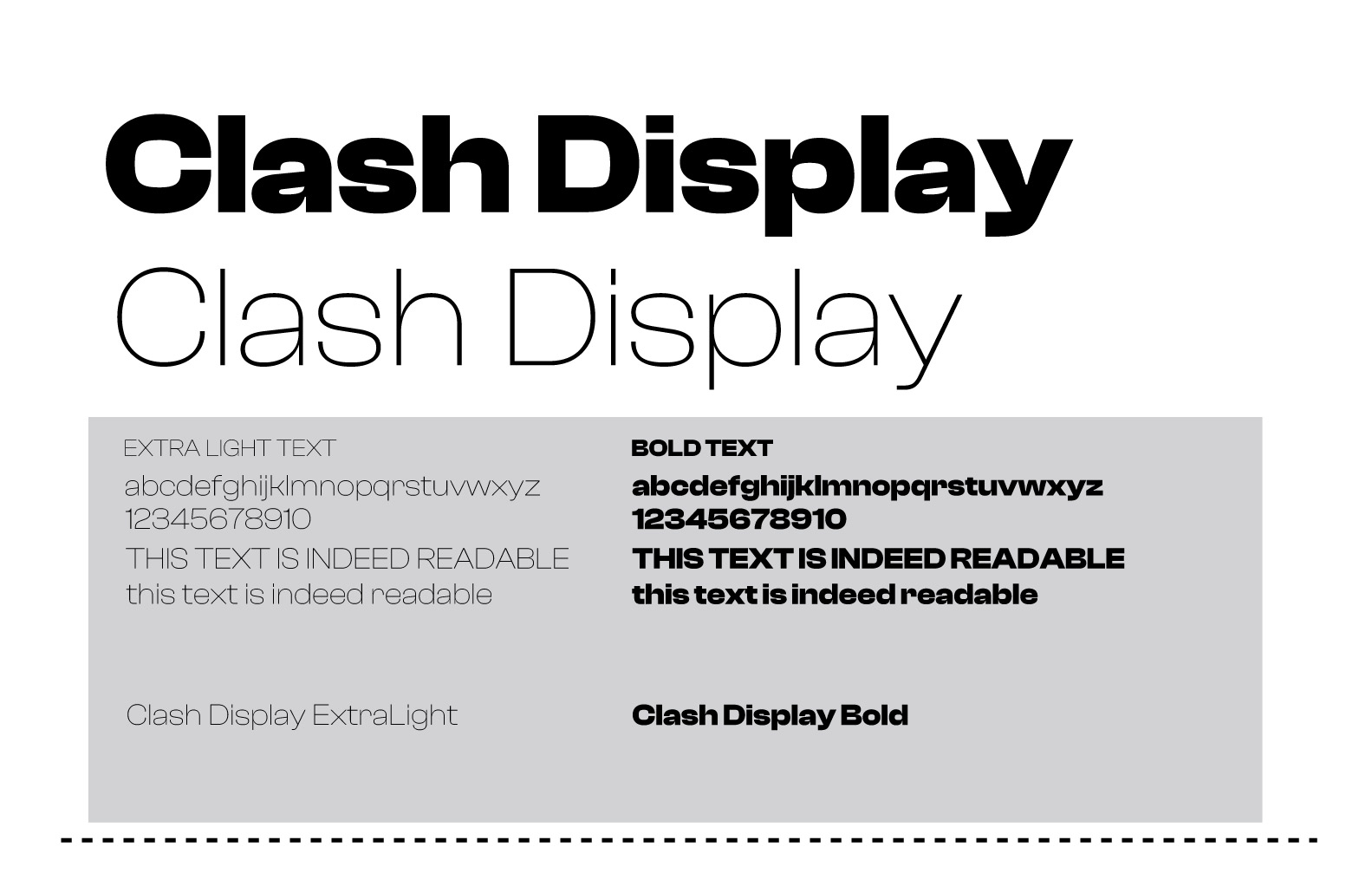
The font style for any website is crucial and I wanted to make sure I chose the right font for my website. After a bit of digging, I ran into a website called Fontshare that would allow you to download fonts for free, whilst giving you different styles of each font.
I ended up choosing a font called Clash Display Light,Regular & Bold. A font that has that perfect balance of boldness and spacing between each letter, but also has that clean curve in each letter that breaks up the formality.
The Actual Coding
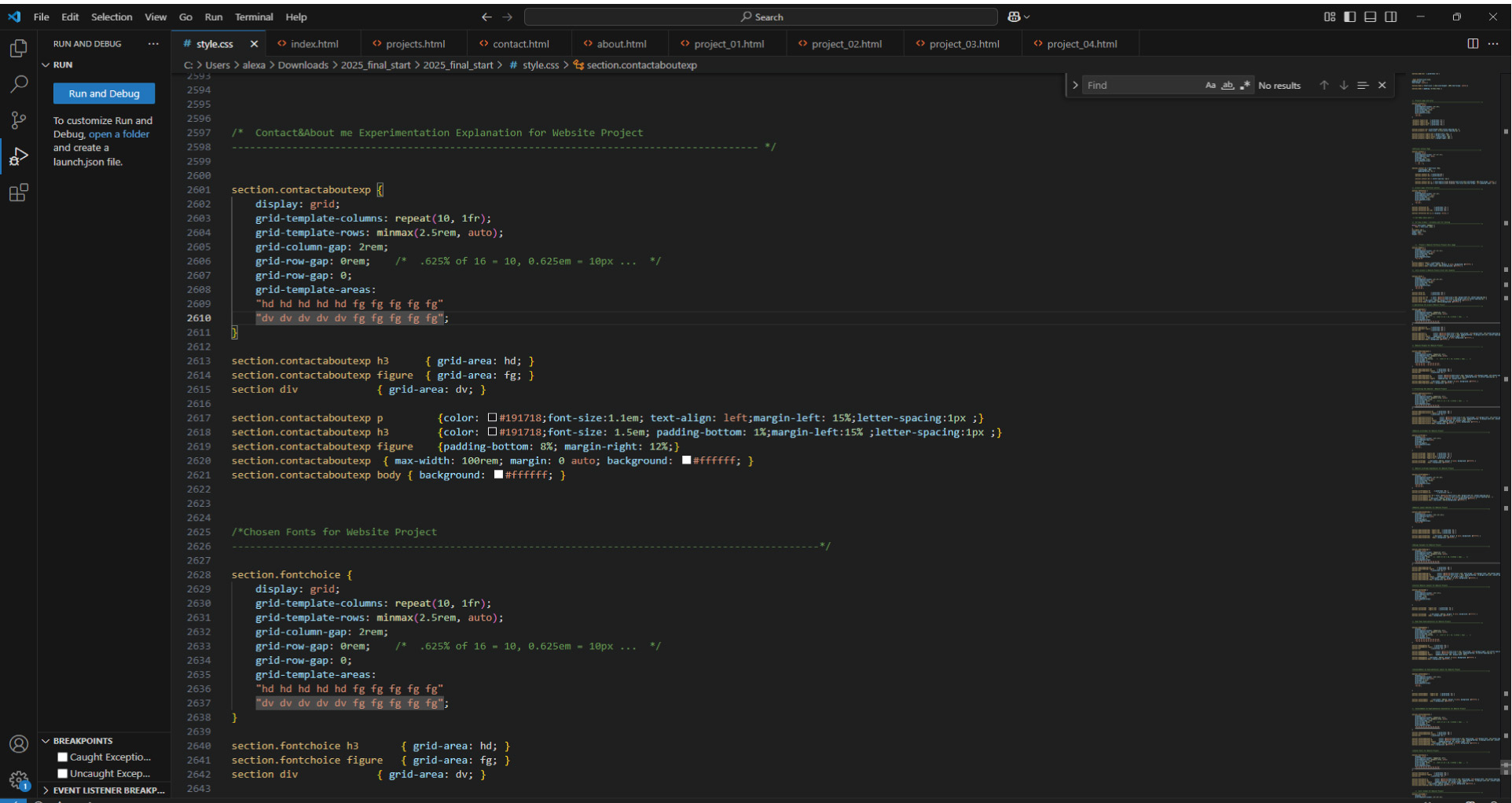
Last year, I became interested in website design when the course introduced me to readymag. So naturally, I was intrigued by coding and wondered how quick I could understand it given in such a short amount of time we had.
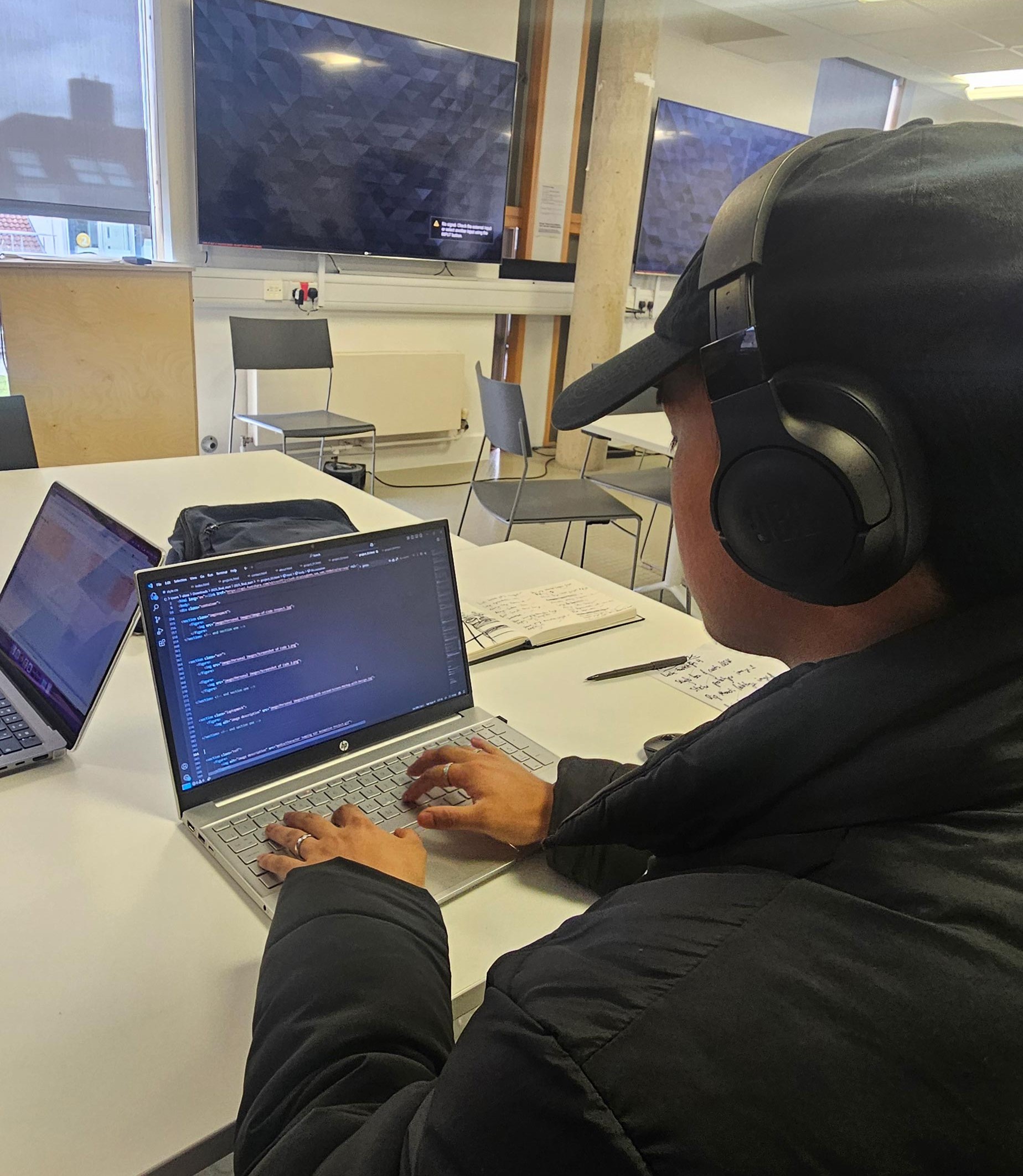
Within the process, I used Visual Studio Code to code the website and include images, paragraphs, headings etc. I was then introduced to CSS grid, a system where it ables me to create specfic grids within my website to help layout and structure the website itself.
Despite being new to coding as a whole and not understanding it at first, I now understand it to a certain degree and feel comfortable creating my own grids and laying it out.
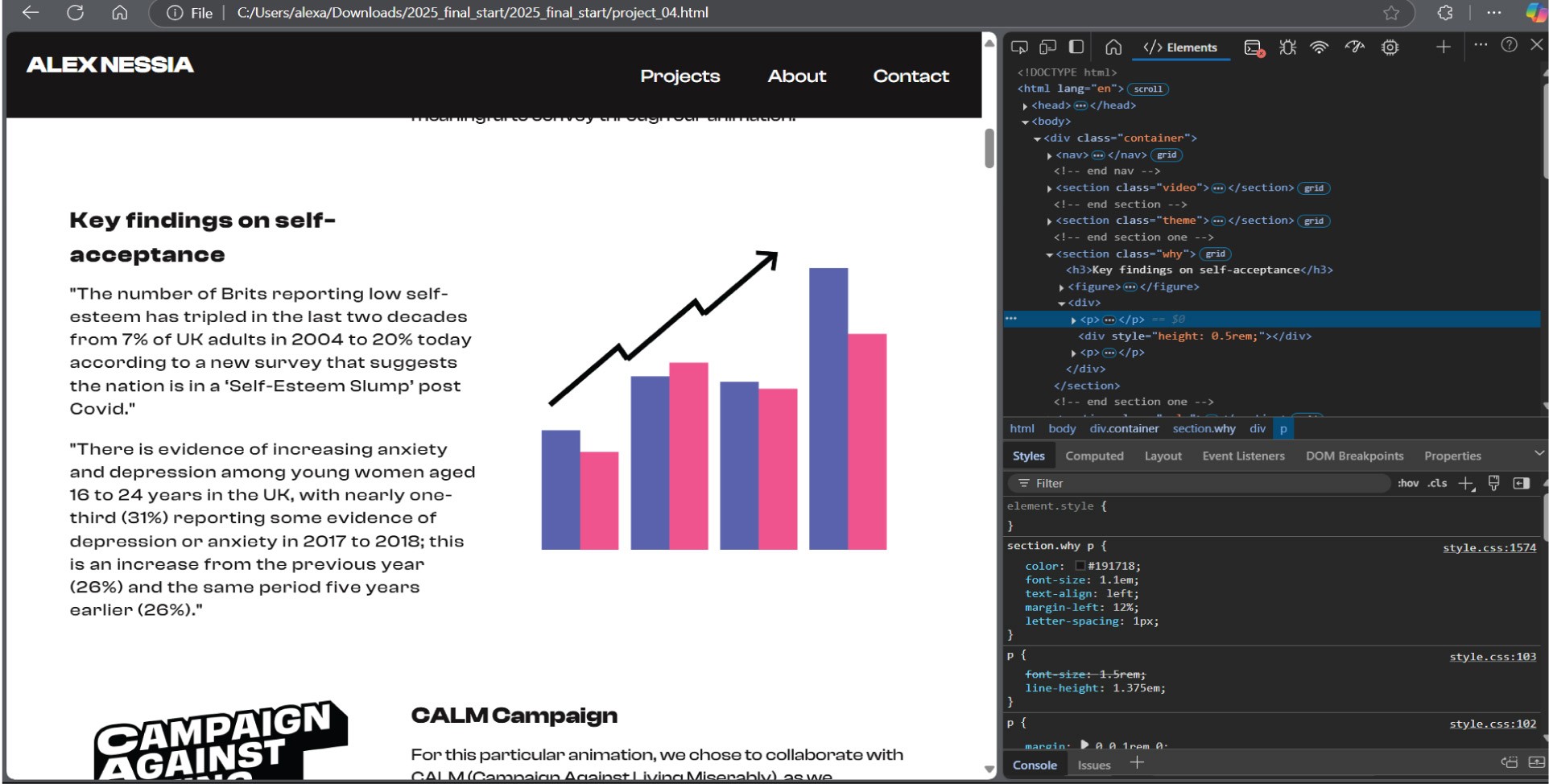
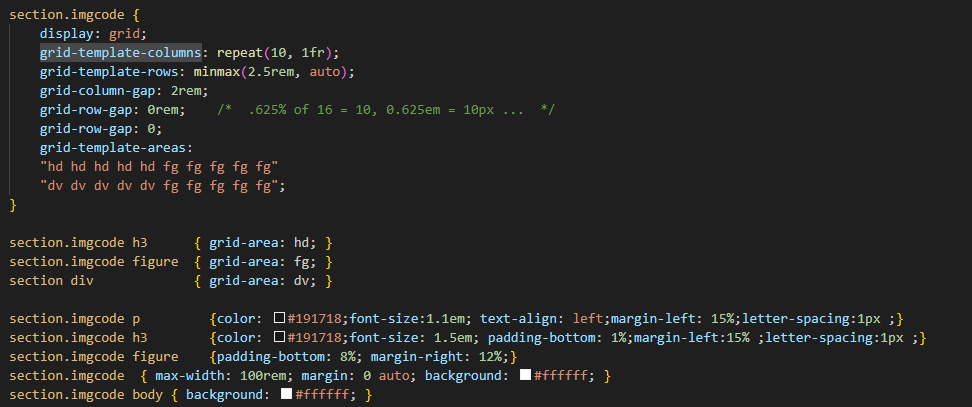
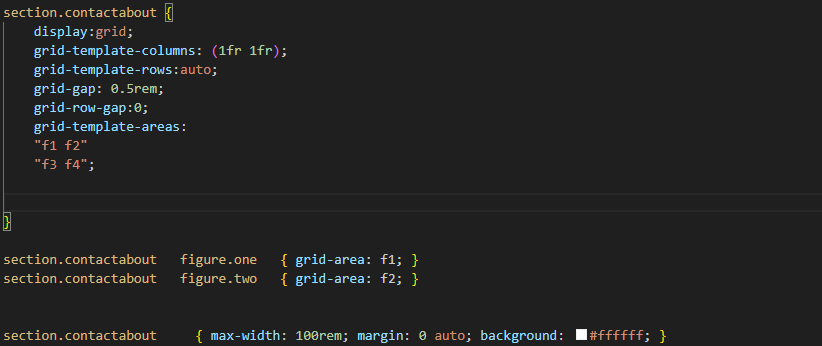
The birth of the website!
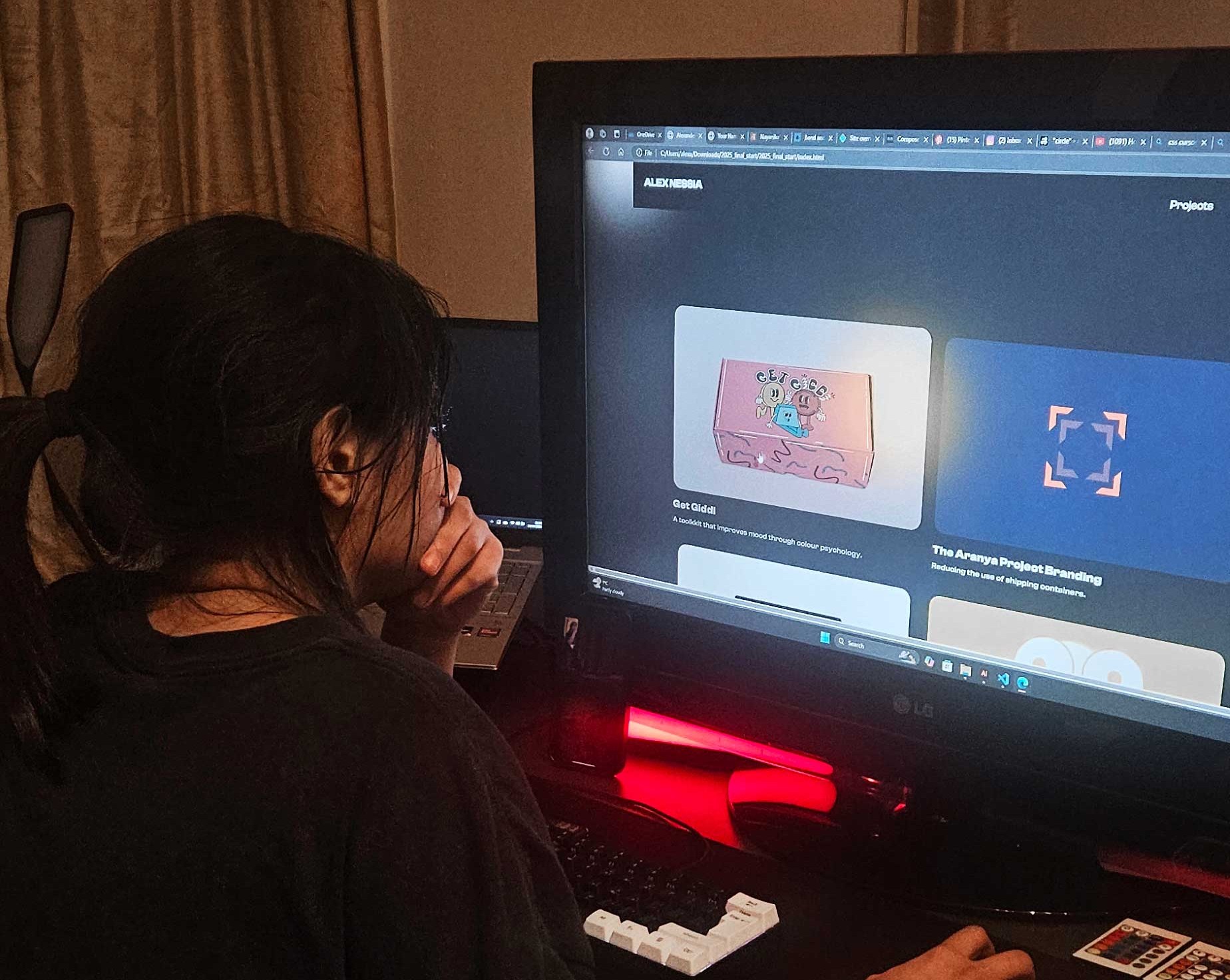
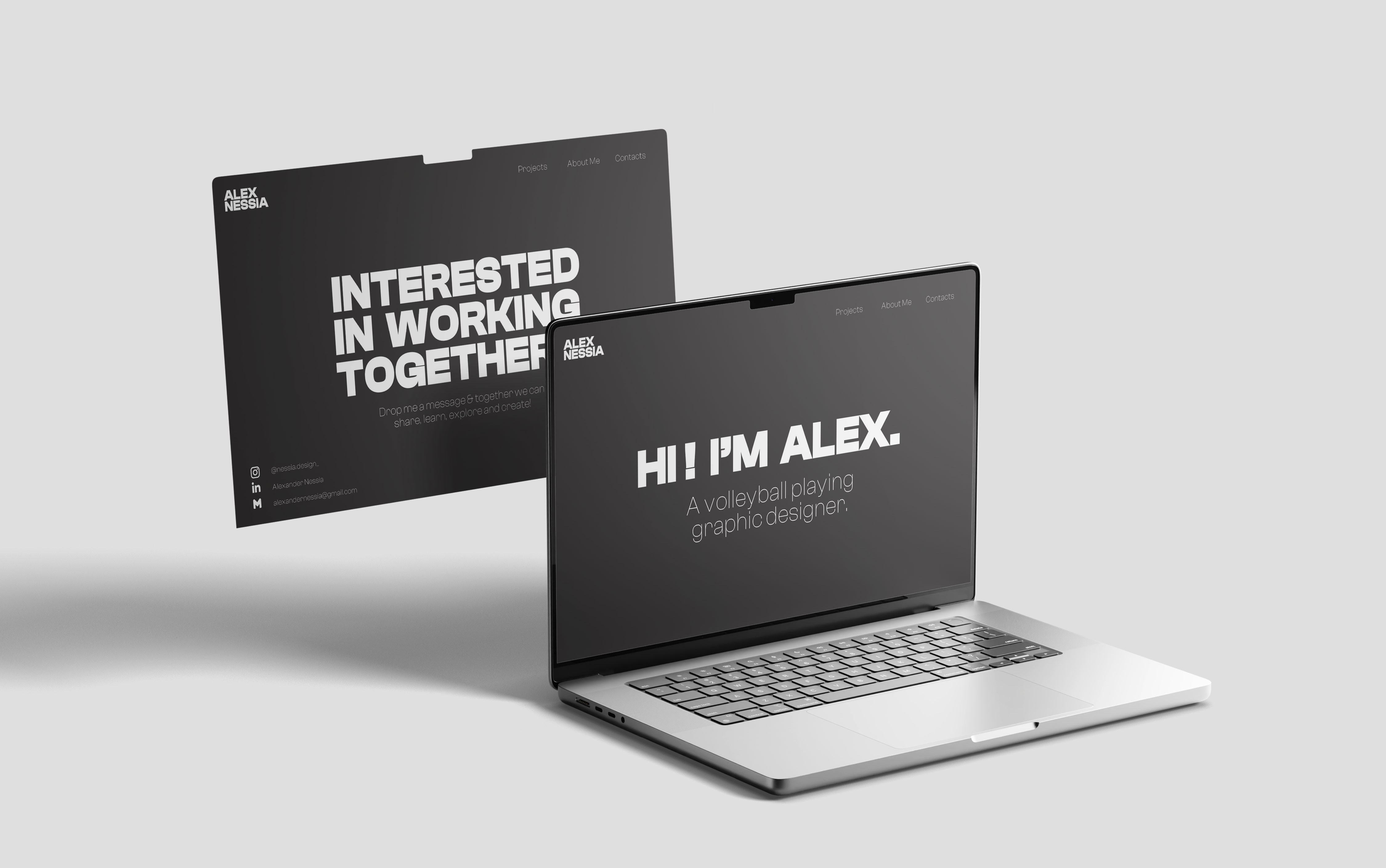
When doing the user testing, I gained the feedback to adjust the heirachy and typography of the 'contacts' page, in order to make it clearer to the user.
Along with the feedback,I also gained a lot of praise for my website in terms of visual design, layout and structure.uploaded my website folder into Netlify and checked for any errors, mistakes, missing links etc.
Reflecting on Coding & Designing a website
As someone new to coding, it’s natural to feel nervous about learning something unfamiliar. However, my growing interest in web design made me excited to explore the coding process and see what I could create.
Learning HTML and CSS Grid was challenging at first, especially with so much information to absorb. At times, I felt overwhelmed, questioning if I’d ever fully understand it. But as the project progressed, I started to grasp the concepts and adjust to the pace. Despite the limited time to build a website with multiple elements, I began to feel more confident in my ability to navigate and implement the code.
I received valuable feedback from my tutor, Mark Osborne, during the early stages of my website. Additionally, YouTube tutorials were helpful, but I found that experimenting on my own was the most effective way to learn—adjusting the code and seeing how each change impacted the design.
This course has not only sparked my interest in web design but also given me the chance to create my own website. Moving forward, I plan to refine my coding skills, focusing on website navigation and creating interactive features to enhance user experience.
Ecem Gokdogan (2025). Background Animation: Moving Blurry Blobs with Keyframes | HTML CSS. [online] YouTube. Available at: https://www.youtube.com/watch?v=vncedoji24M [Accessed 13 Mar. 2025].
Free Mockup. (n.d.). Best Free Laptop Mockups. [online] Available at: https://www.free-mockup.com/mockups/category/laptop-mockups/.
Trabon, B. (2021). What is Coding? - Beehive Software - Medium. [online] Medium. Available at: https://medium.com/beehive-software/what-is-coding-ffc6241ed49f.